


90% of the AI advice on the internet is pure garbage!
I have been meaning to build a personal website for a month now. So naturally I scoured the entire internet to see if there is a way to build something that does not scream created by AI.
I went through guides created by 22 creators and made my insta feed look like this:
What I learned is that there are over a hundred skills and GitHub repos with over a thousand creators talking about them just to teach you how to build a better website with AI.
But everything I got from them was either extremely convoluted or completely useless.
Well… Almost!
The one thing I did understand from this exercise is that you don’t need a good prompt or a better tool to build a good website.
You need a better system.
Here is what I created in an hour yesterday:
Checkout the full website here!
So, if you want something like this too, this post is for you.
Hi ! If you have launched a kick-a** product but your GTM strategies are hitting a wall, let’s fix that together.
I am a fractional Head of GTM for early-stage startups and I have opened up my calendar to offer free 20-minute GTM brainstorming calls for subscribers of Table for One! I can help you audit your current strategy and find your bottlenecks.
1. Find Your Inspiration
AI slop to me is a website that is extremely generic and has no character. It has the same cursive font and terracotta colors, basic animations, and no real design.
I knew what I didn’t want but I did not know what I wanted.
So I spent about 20 minutes on footer.design looking for websites I liked. I looked at how the sections were arranged, what information was shared and how, what transitions and animations I liked, how they get you to the CTA, and how they keep the user hooked.
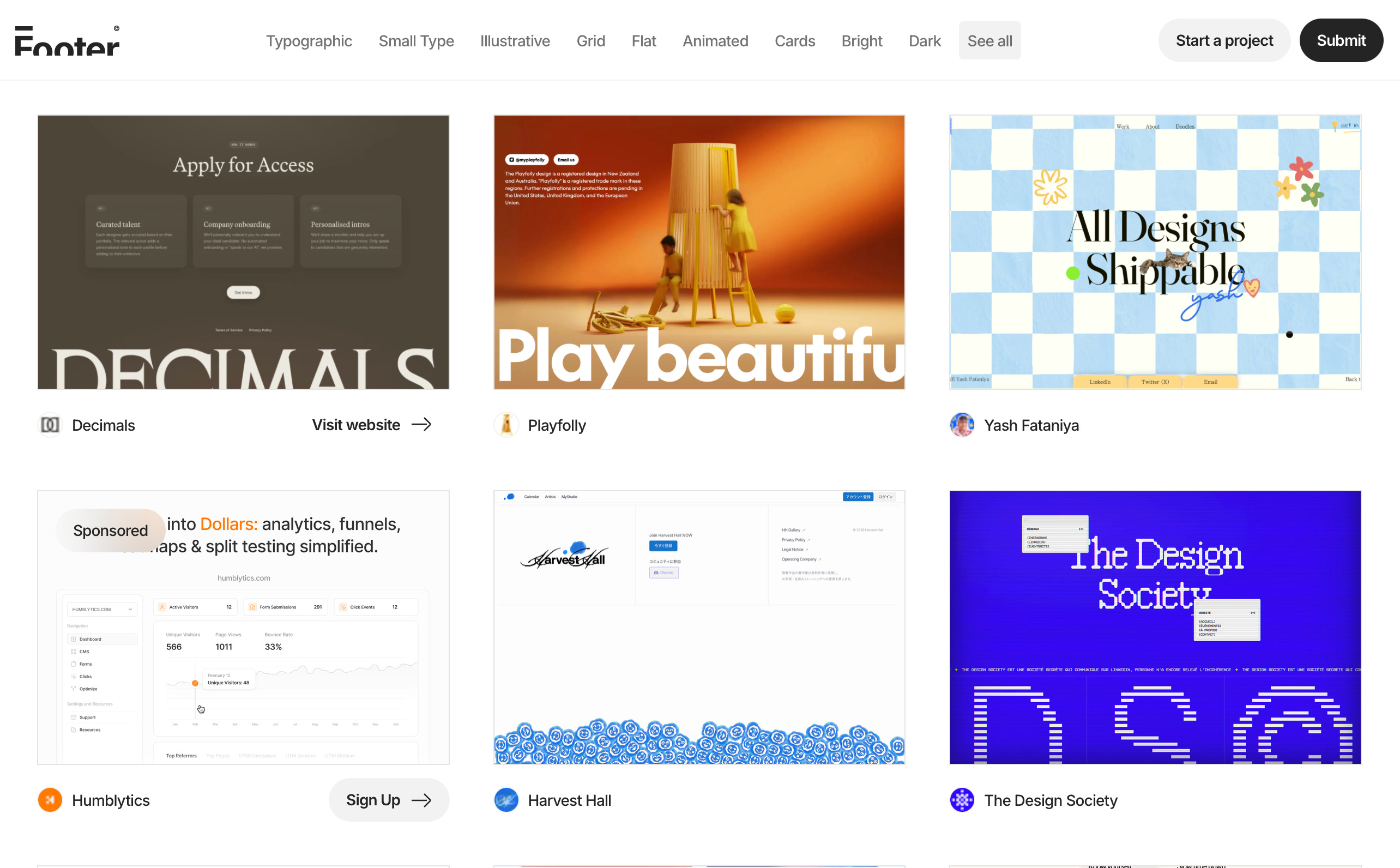
This was the only step that took real time. But I believe that this was THE most important step to ensure my website had some ME!
2. The Best Design Tool Does Not Exist
My design sense is in the dustbin.
You know some people say they have two left feet? I have two left hands. Or eyes? You get the point.
I need a design tool to help me visualize what I want. And it doesn’t matter if I use Claude Design or Figma or Paper or something else. What matters is that I am clear enough about what I want.
So for this website, I opened Claude Design and gave it this prompt:
I want to design a personal website for my GTM practice. I’ve linked a few websites I like, and what I like about each one.
Here’s what the website needs to share. My fractional GTM role. My resume. The articles I’ve been writing. And one interactive page with the books I’ve read with a small comment from me on each book, and a list of the people who have helped me, with a link to their LinkedIn.
The landing page has one job, which is getting the visitor on a 20-minute GTM fit call with me. I’ll give you my calendar link so you can pull the available times. When someone clicks “get on a call”, I want that to be interactive too. They should be able to tell me what they’re stuck on, so I have a general idea of what the call is going to be about.
I’m attaching our brand guidelines. Make sure everything follows them.
I did not over prompt on purpose. I wanted to see what V1 looked like and whether there were some elements that I wanted to keep.


In the middle I send prompts that make Claude check its own work. Something like:
This is V1 of my website. Look at it like a senior web designer seeing it for the first time, and don’t change anything yet.
Go through it as a visitor, on a phone first and then on a laptop. Tell me where you’d get confused, bored or lost before you reach the call button.
Then tell me the gaps I haven’t thought of. Sections that are missing. What happens on hover, on mobile, or when something is empty. Copy that says nothing. Anything that looks like every other AI website.
For each gap, tell me how you’d fix it and how much it matters. Then tell me which three to fix now and which ones can wait.
I then spent about 10-15 minutes iterating with Claude Design going from section to section and page to page fixing what I thought needed fixing until I was happy with the design.
I did this till I reached V4 and then sent everything to Claude Code.
3. Build With Your Agent
Usually when I build anything I create (a bit insane) number of documents. I need a TRD, PRD, Implementation Plan, User Flow, Testing Guide and a few more documents.
But this time I decided to not do any of those. I wanted to see whether things would turn out well.
And they did!
But a few things I religiously do to ensure this result:
Always start a build with the /brainstorming skill
Start with a structure first i.e. the right folders and place for every file
Make sure Claude builds a phased out implementation plan with checkpoints after every phase
Iterate until I am satisfied
My exact prompt was:
I’m attaching the design and the components from Claude Design. This is the reference, so match it.
Don’t build anything yet. Start by brainstorming with me. Go through each part of the design and tell me what you understand and what you need to ask me.
Then write a phased build plan. Set up the folder structure first, then build the UI components, then build the pages one at a time.
After every phase, show it to me on localhost in Chrome and stop. Don’t start the next phase until I say go.
You don’t need anything more complex than this.
If you don’t use Claude, you can always download the design as a zip file and give it to Codex or Cursor along with your prompt.
4. Make It Impeccable
Ever since I found the Impeccable skill library by Paul Bakaus my life has CHANGED!
Impeccable is a set of design skills (free of course!) that you can add to your coding agent. It works with every agent and helps to ensure that your website/app does not look AI generated.
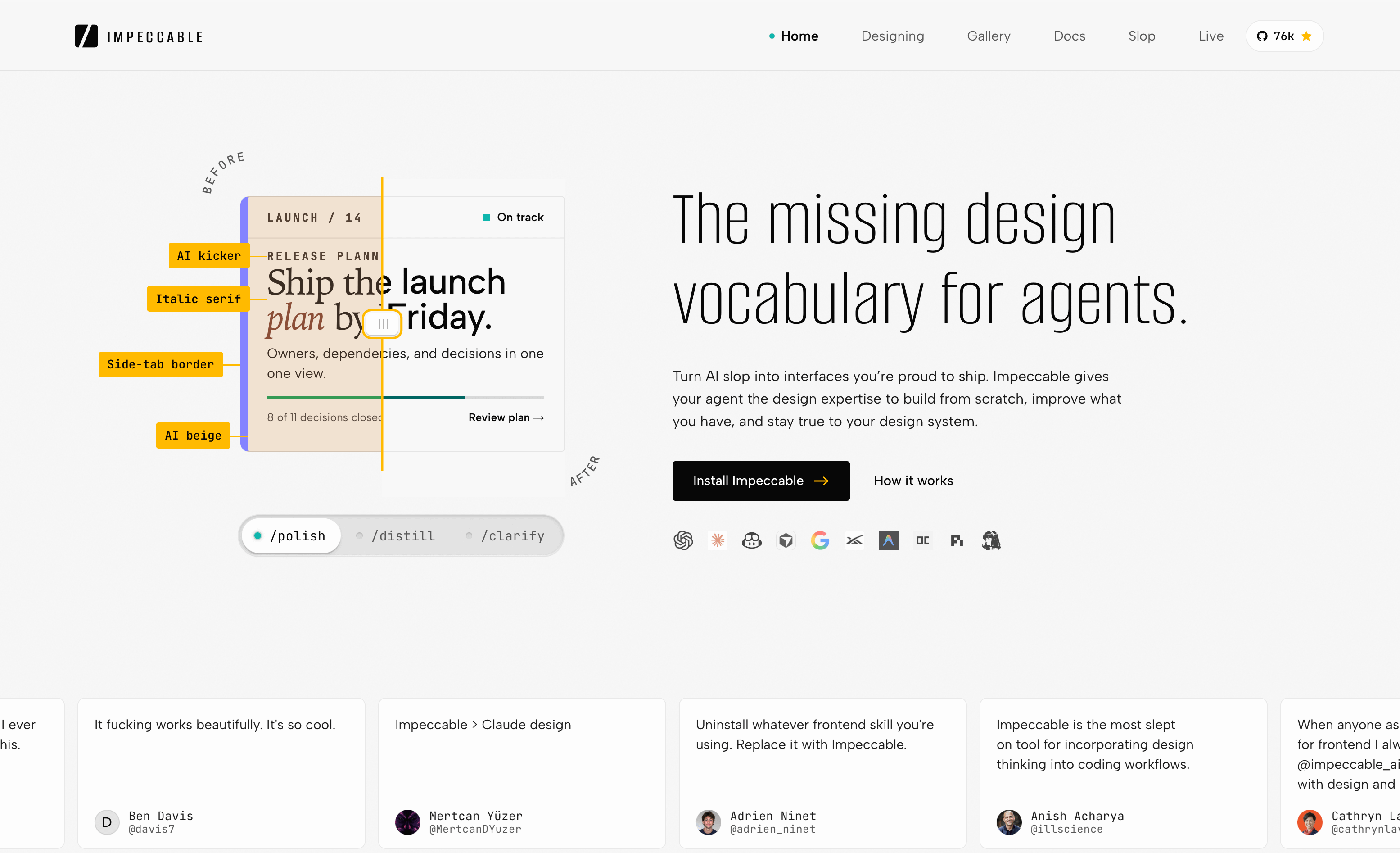
Once the website is built, I always run these two impeccable commands: impeccable audit and critique. These give me the gaps between the design and the outcome.
Every time I do this, I ask Claude to build a table telling me what we need to change, what will happen if we change it, what are the pros and what are the cons.
Cause I make design decisions while I am building the thing. So I obviously don’t want those decisions reversed.
Some other skills in Impeccable I like: /impeccable layout, /impeccable clarify, /impeccable distill, and /impeccable adapt.
Once I am happy with the website, I use /impeccable document and /impeccable extract to generate a guide so that the next thing I build on top of this won’t break it.
5. Time To Shine
The last thing before you deploy is to make sure your website is optimized for SEO, AEO, and GEO.
So paste this:
We are doing a final review on the site before it is live. Don’t change anything yet. Go through every page and tell me what’s missing or broken.
Then fix it in this order:
First, add a sitemap.xml and a robots.txt that lets in Google and the AI crawlers. Remove any noindex tags, add canonical tags, enforce HTTPS and clean up messy URL slugs.
Next, give every page a meta title and description, use one H1 per page, fix the header hierarchy so it makes sense, add alt text to images, add an OG image, add internal links and fix any broken links.
After that, compress the images, fix core web vitals and check that every page works on mobile.
Then make it easy for ChatGPT, Claude and Perplexity to quote me. Add an llms.txt, and make sure the text on every page loads without JavaScript. Add schema markup, including Person schema that links to my LinkedIn and Substack. Add a short FAQ to my main page with the questions people actually ask, and answer each one in the first sentence.
Last, we need to add this to Search Console and Bing Webmaster Tools and add backlinks, so give me the detailed steps for those.
Once this is done, you are good to deploy the website.
Other Resources
If you want a cinematic video on your website, the best tool to use is Google Flow. It is paid to download a high quality video but depending on your requirement you can get a lot done on the free tier.
If you don’t like Footer.desgin, here are other websites you can find inspiration from:
Motion.dev (for UI effects)
Other than these five steps, you literally do not need anything else.
You do not need a thousand repositories. You do not need a folder of downloaded skills (except Impeccable of course!), and you do not need a new GitHub repo shared by some AI creator.
So if you have downloaded anything else, just delete them.
And as always, if you have any questions or are stuck on something, just message!
Hey ! If you are a solo founder who is craving a community of like-minded people, subscribe to Table for One.